Getting started with SmartRecruit
-
Create your account
Go to app.smartrecruit.co.ke and choose New here? Create an account. Use your work email address and a strong password. If we send you a confirmation email, open the link in it, then sign in.
-
Set up your agency
Enter your agency's name, a short web name (it appears in your application form link, for example app.smartrecruit.co.ke/apply/your-agency) and your country.
Then start from a template. Kenya to Gulf gives you every stage from registration through medical, visa and ticketing to departure, and asks for the details Gulf employers expect. You can rename, add, reorder or remove stages later in Settings, Pipeline stages.
Your 14-day free trial starts now, with every Growth feature.
-
Add your branding
Open Settings, Agency profile. Upload your logo, choose your brand colour, and add your address, phone numbers, licence authority and number. For invoices, add your bank details and tax number. These appear on every CV, offer letter and invoice you produce.
-
Invite your team
In Settings, Team, invite each colleague by email and give them a role:
- Owner and Admin: everything, including settings, team and billing.
- Recruiter: works with candidates, job orders and clients.
- Viewer: can look but not change anything.
They sign up with the same email address and join your agency automatically. You can hide pages such as Clients or Settings from individual staff.
-
Bring in your candidates
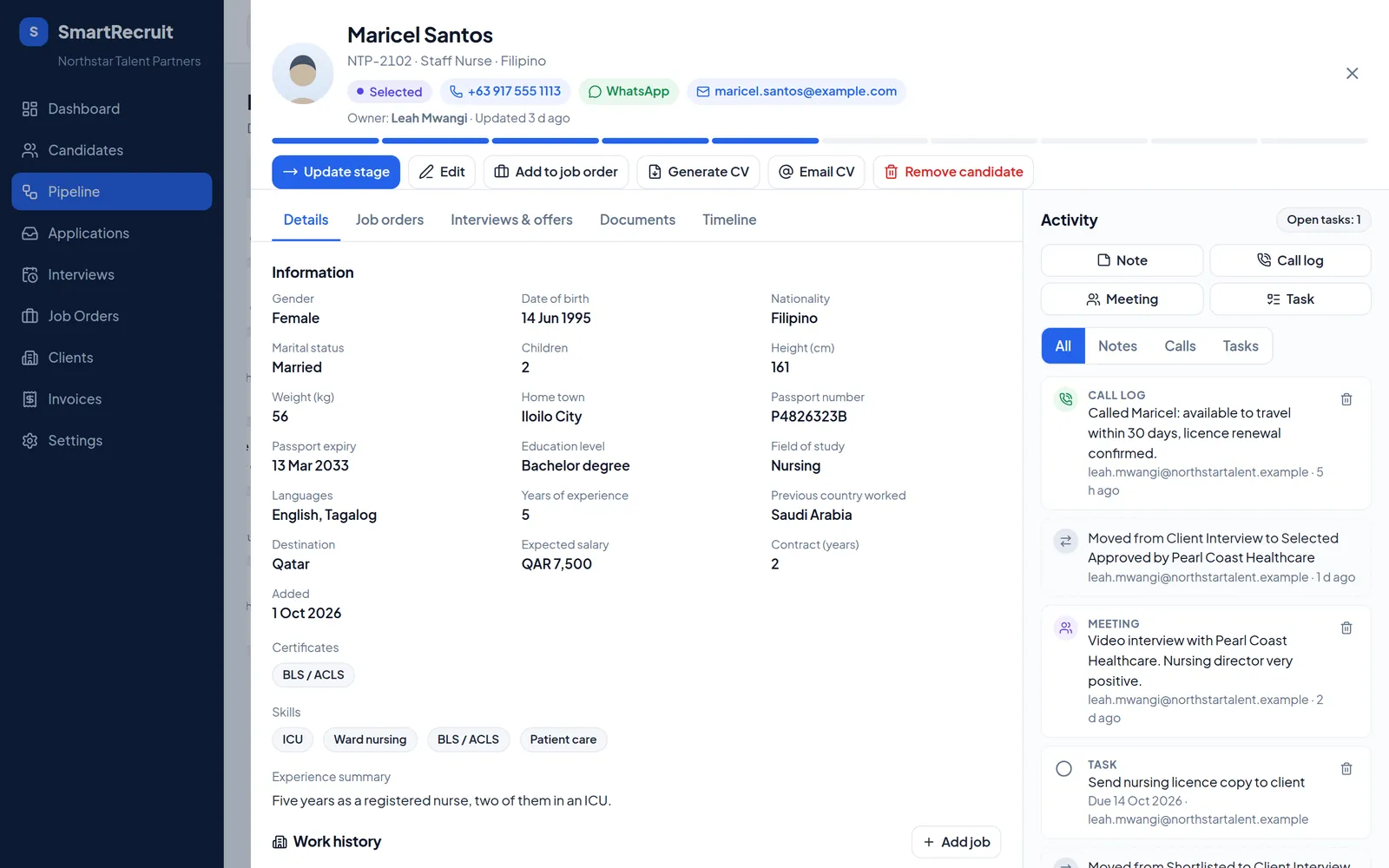
Already have a spreadsheet? Open Settings, Import and upload your Excel or CSV file. SmartRecruit matches the columns, shows a summary and saves nothing until you press Start import. Otherwise, press Add candidate at the top of any page.
On each profile, upload the passport copy, photos, medical and good conduct certificates under Documents, and move the candidate along the pipeline as they progress.
-
Add your clients and job orders
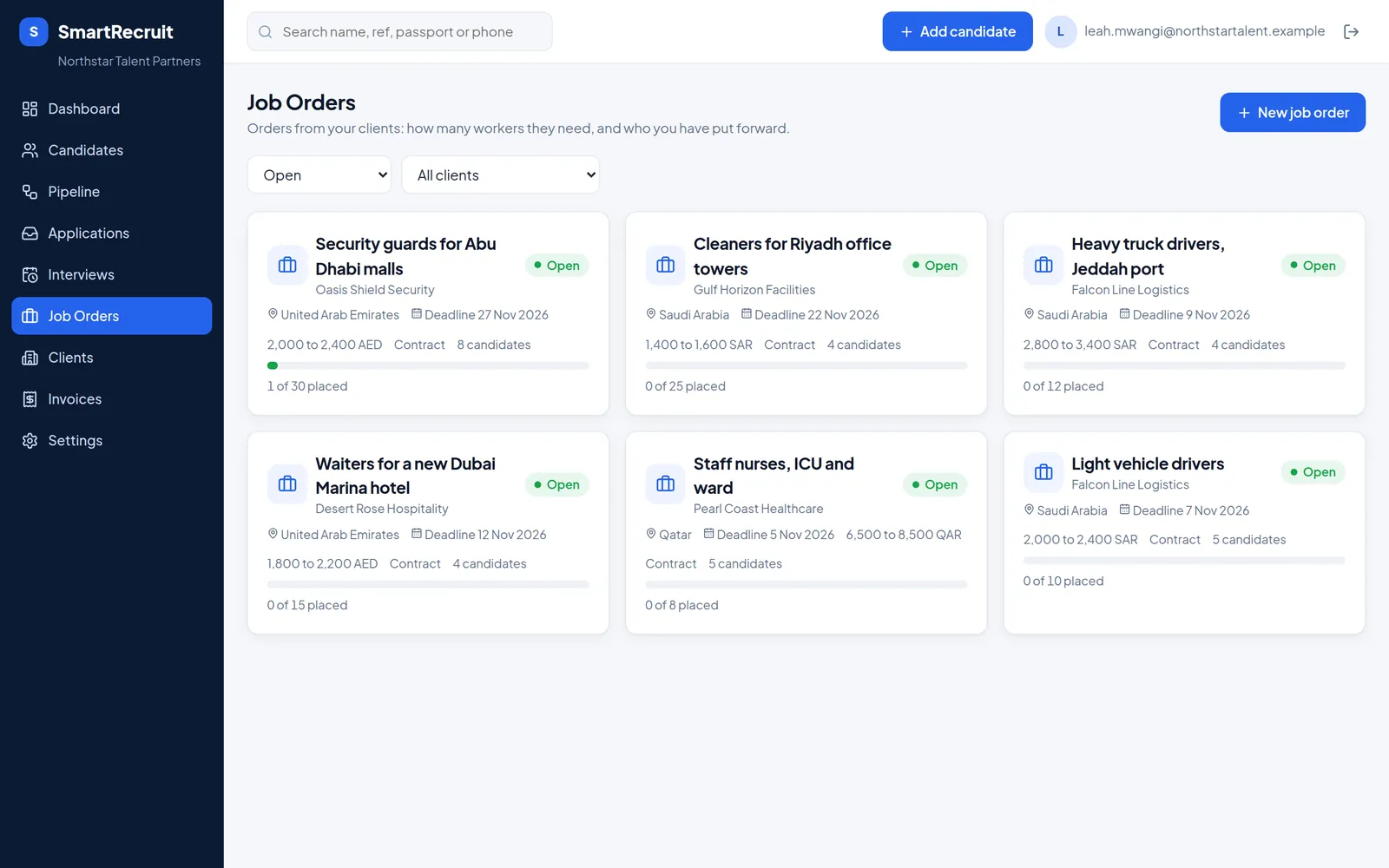
Add each employer under Clients, then create a Job order for every demand letter: the role, how many workers, the salary and the destination. Assign candidates to it and track who has been sent, shortlisted, interviewed, approved and placed.
-
Share your application link
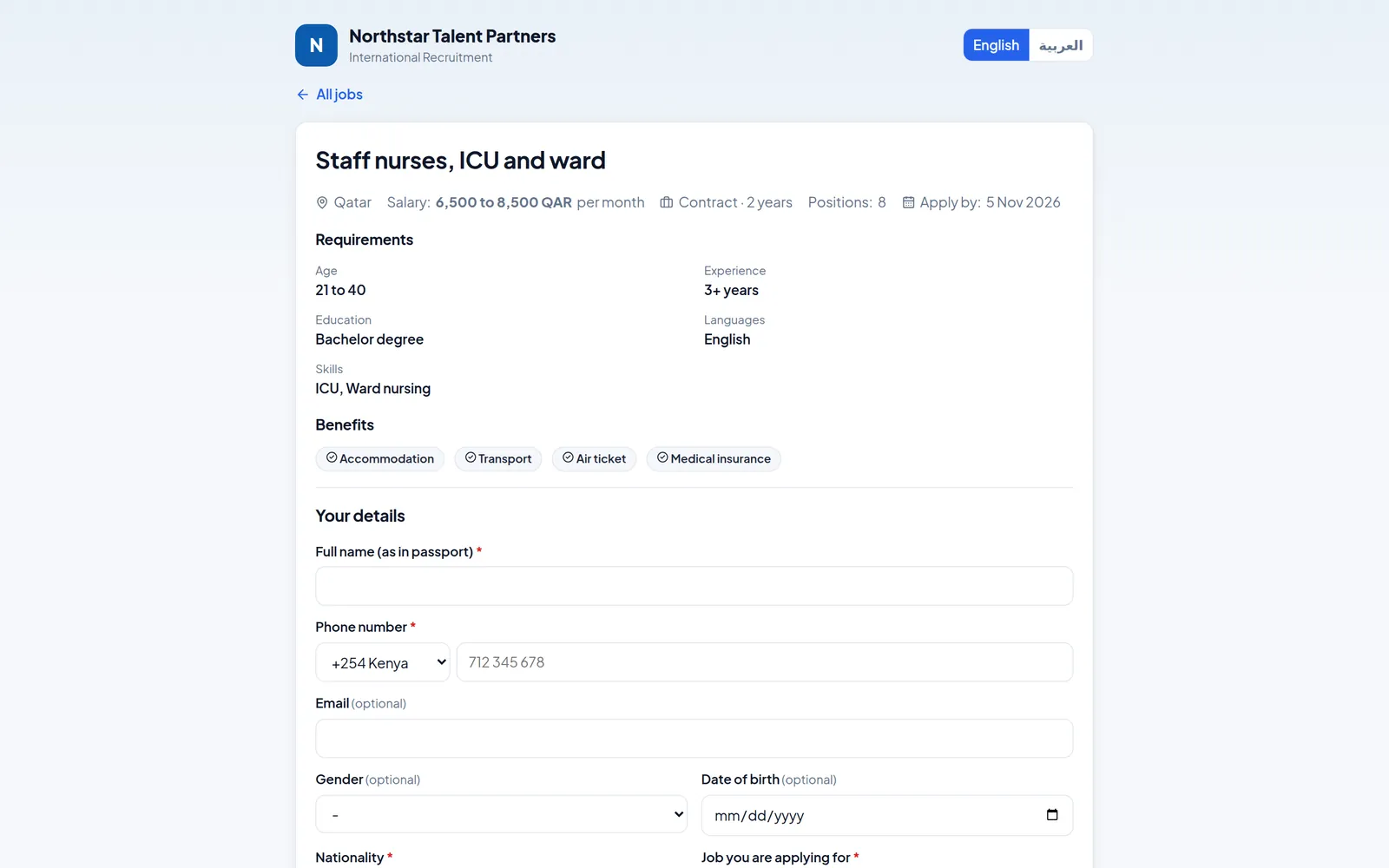
In Settings, Application form, choose what applicants are asked and copy your link. Share it on WhatsApp, Facebook or your website, or share the link for a single job. Applications arrive under Applications, already checked for duplicates, ready to accept as candidates.
-
Send CVs and open the client portal
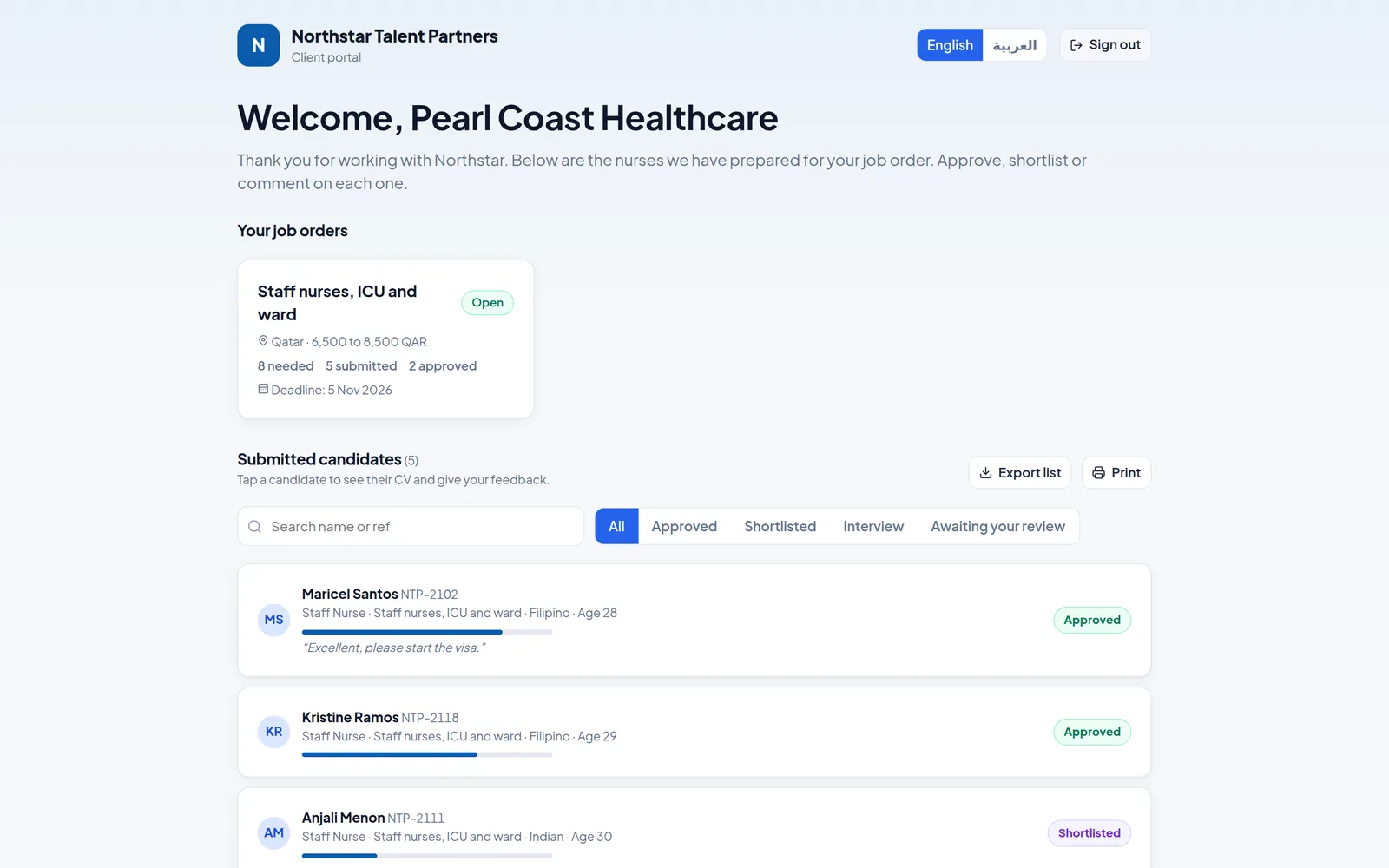
On a candidate, press Generate CV, tick what it should show, and open it or email it to the client. For employers who review many candidates, open Clients, choose the client and switch on their client portal: they get a private link and code to see the candidates you sent and shortlist or decline them online. (The client portal and email are part of the Growth and Agency plans.)
-
Choose a plan
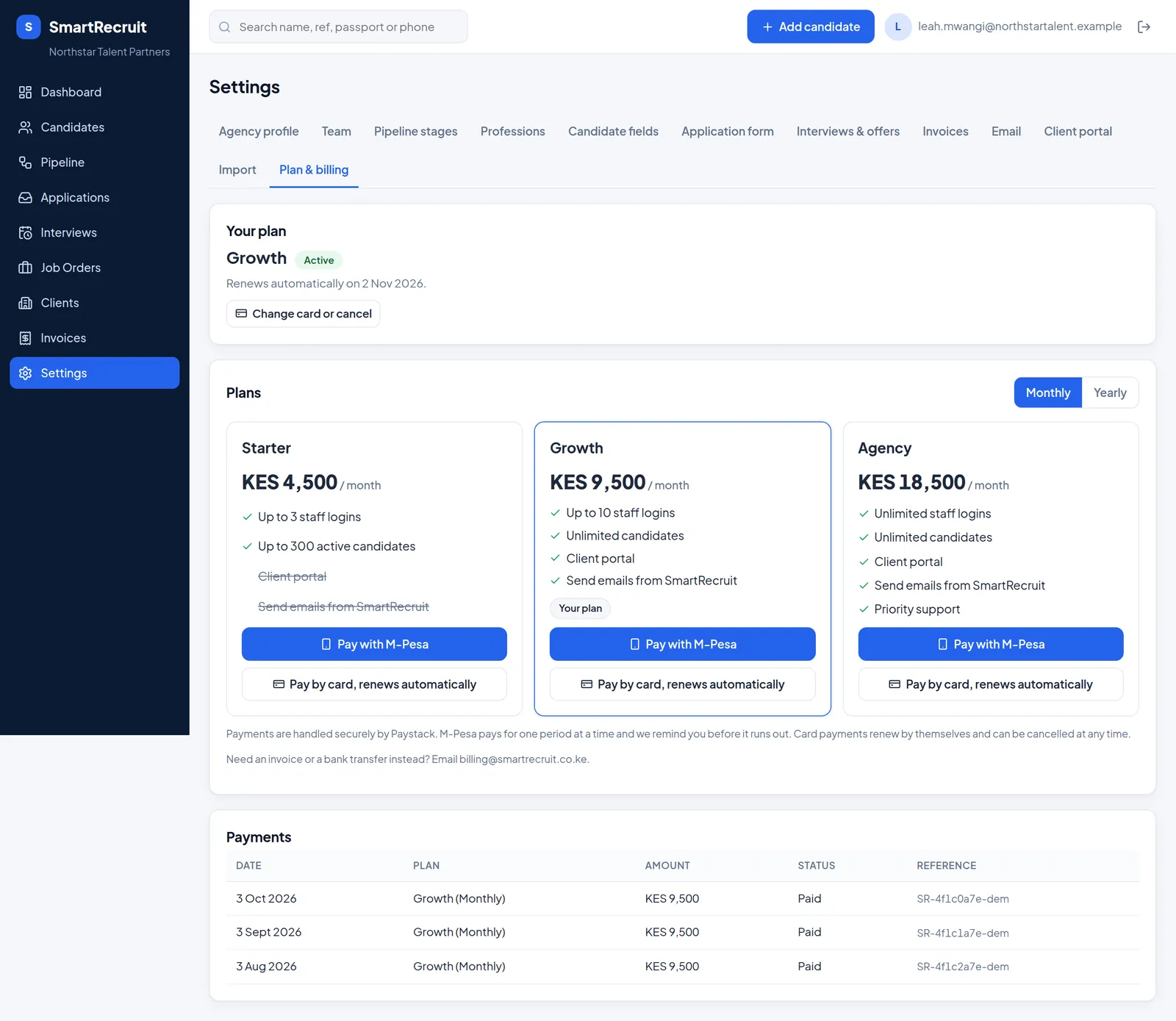
Before your trial ends, open Settings, Plan & billing. Pick Starter, Growth or Agency, monthly or yearly, and pay with M-Pesa or a card. If the trial ends first, nothing is lost: your agency becomes read-only until you choose a plan.
Need a hand?
Email support@smartrecruit.co.ke with your agency name and what you are trying to do. Moving from another system? Tell us what you use today and we will help you bring your data across.